Sharing a GPX track with your riding or hiking companions
Sending a GPX file by email assumes the recipient knows what to do with it. A share link sidesteps that problem.
Why a GPX file on its own isn't always enough
Sending a GPX file by email or messaging works, provided the recipient knows which app to open it in. For an occasional riding companion, that's not always a given — plenty of people will open the attachment on their phone with no idea what to do with it, or need to install an app first just to look at the track. A share link sidesteps this: it opens in any browser, with nothing to install.
Generating a link and its QR code
Once the track is ready, a unique link generates in one click, along with a QR code. The link pastes directly into a group chat; the QR code earns its keep elsewhere — displayed on a screen during a pre-departure briefing, or printed straight onto a paper road book for quick access from the phone of a companion who doesn't have the link handy.
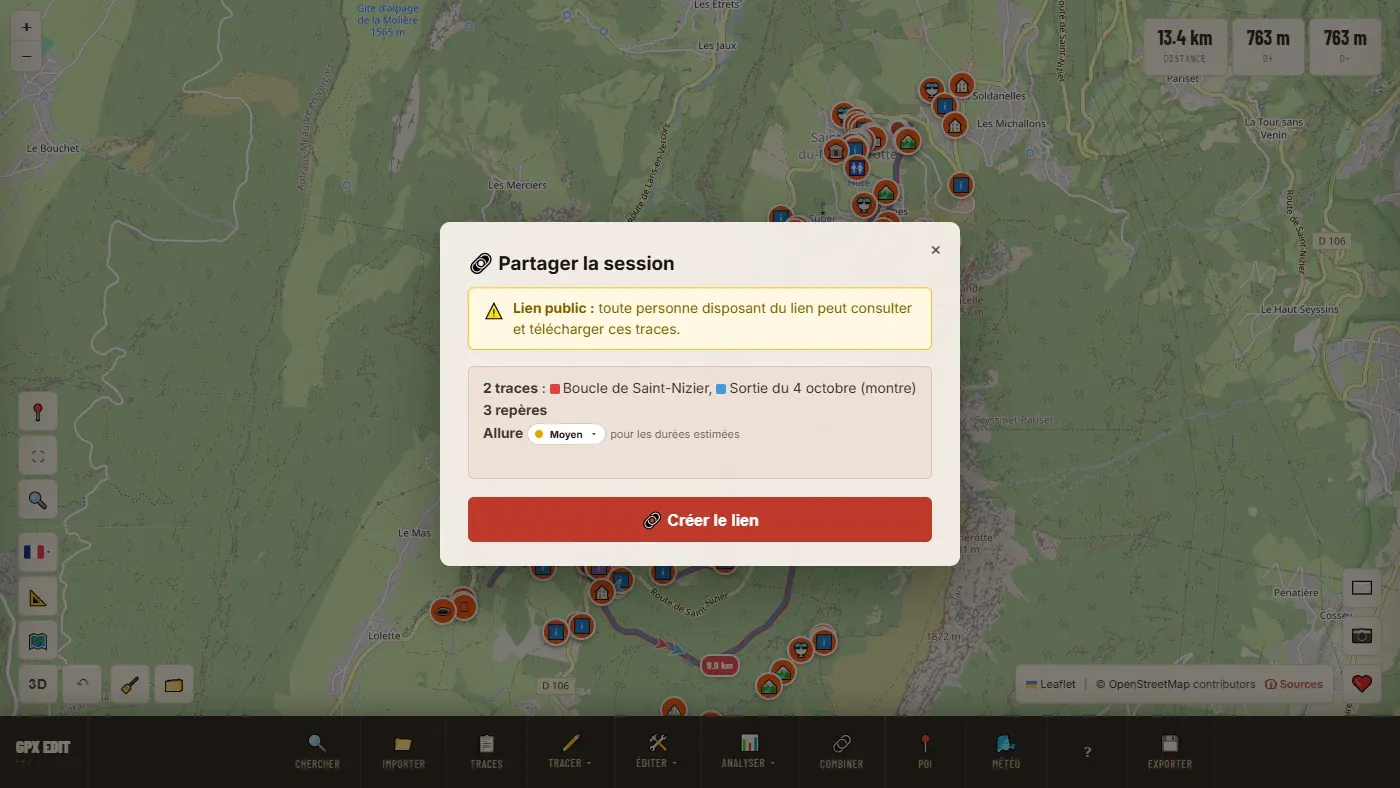
📖 Step by step in the manual: Share a link · Open a link you received
What the recipient sees
The link opens a dedicated page: the outing's name, distance, ascent, and a button to open the track directly in the editor if they want to go further — check the full profile, export to their own device, or check the surface. No sign-up is required to view the page.
The one feature that leaves local processing
Everything else in the tool works in the browser, without sending any file. Sharing is the exception (along with the PDF map's QR code, which creates the same kind of link, and only if its box is ticked): the shared track is stored in a hosted file, otherwise the recipient couldn't open the link. It's the necessary technical trade-off for a link that has to stay valid even when the person who created it is no longer online — a companion must be able to open it the evening before you set off, long after the link was generated.
This exception only applies to tracks explicitly shared by link. Importing, editing and exporting a standard GPX file stay entirely local, as detailed in the site's privacy policy.
Ready to try it on your own track?
Open the GPX editor for free →